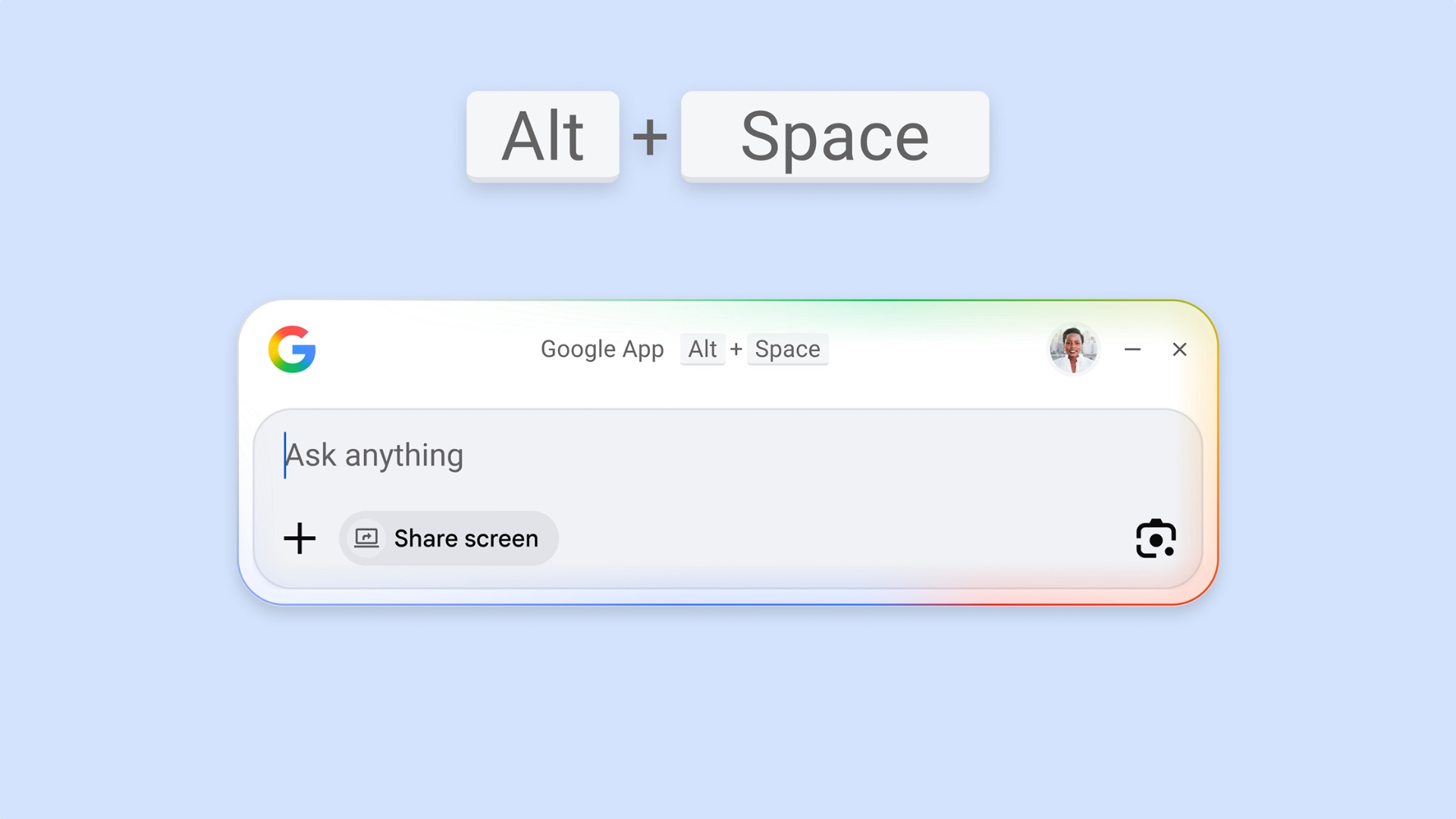

Accessing Google Search or Gemini on a Galaxy Book previously required opening a web browser. That is no longer necessary, as Google has released a dedicated Windows app. This makes it easier to access Google Search and the Gemini AI assistant on devices running Windows, including Galaxy Books.
Google Search gets a dedicated Windows app
Google has released the stable version of its Google app for Windows devices. The app can be used for web searches and to access the Gemini AI assistant. It had been in beta since September 2025 and is now available in its stable form.
The app appears as a small floating window that stays on top of other apps. You can launch it using the Alt + Space keyboard shortcut. It can search both the web and your local files, although access to local files requires your permission. The app also includes AI Mode, and AI Overviews are shown in search results.

It can analyze on-screen content using a Google Lens button, offering functionality similar to Circle to Search on Galaxy phones and tablets.
Currently, the app is only available in English, with support for more languages expected in the coming months.
Google has also launched a native Gemini app for macOS. It offers integration with Google Drive, Google Photos, and NotebookLM, and can help create images, music, and videos. Users can also share their screen with the app for additional context. However, a similar dedicated Gemini app is not yet available for Windows.


Post a Comment